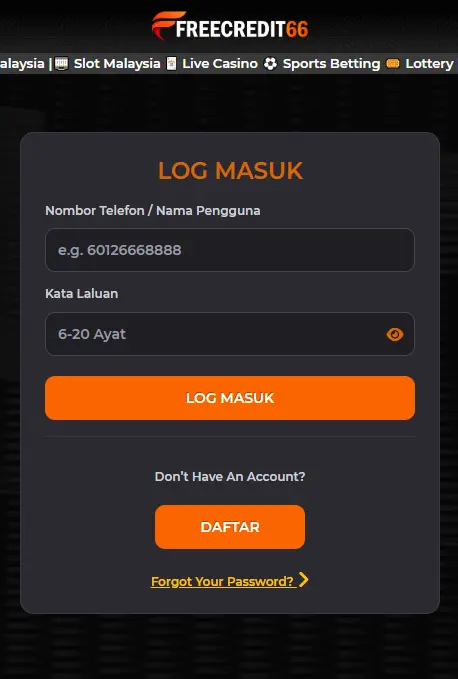
Sign in to your FreeCredit66 account to claim your daily free credit, track your balance, and unlock new promotions. Login is fast and works seamlessly on both desktop and mobile devices.
| Problem | Likely Cause | Solution |
| Incorrect password | Typo or forgotten password | Use ‘Forgot Password?’ to reset |
| Account locked | Too many failed login attempts | Wait 15 minutes or contact support |
| No SMS code received | Network delay or wrong number | Wait 2-3 minutes, then try ‘Resend Code’ |
| ‘Account not found’ | Wrong number or not yet registered | Double check number or register a new account |
Logging in to FreeCredit66 takes just a few seconds and gives you instant access to your balance, daily free credit, and the latest promotions. Whether you’re checking in for your daily bonus or picking up where you left off, our login process is built to be fast, secure, and hassle-free on any device. If you ever run into trouble signing in, our 24/7 live chat support team is just one click away to get you back into your account quickly.